AI for Video Creators
Workshop
This project-based training workshop takes participants through an end-to-end filmmaking workflow enhanced by today's most powerful AI tools. With Adobe Firefly at the core of pre-production, attendees generate pitch decks, storyboards, concept art, style frames, character sheets, location references, and full animatics for a short narrative, commercial, or broadcast-news project.
Attendees then learn production planning: shot visualization, lighting pre-viz, camera-movement strategy, shot lists, and continuity tools. In post, the class explores AI-assisted editing, color matching, dialogue repair, VFX cleanup, and motion graphics workflows inside Premiere Pro, After Effects, and Photoshop. The result: a completed project, a full pre-production packet, and a repeatable toolkit aligned with broadcast and corporate standards.
- Develop and visualize AI-assisted proposals and pitch decks, Firefly storyboards and animatics, character and scene consistency, and automated breakdowns and shot lists.
- Plan and execute lighting pre-visualization, camera and framing diagrams, continuity evaluation, and on-set metadata capture.
- Refine and deliver AI-assisted rough cuts, dialogue and noise repair, VFX cleanup and MOGRTs, and vertical delivery.
- Learn when AI is allowed or restricted — maintaining human authorship, transparent team workflows, and copyright and licensing literacy.
- Leave with a complete, finished project.
- 01 Stage 1: Pre-production
Develop proposals, treatments, and pitch decks with Creative Intelligence. Generate Firefly storyboards, style boards, and full animatics. Build visual lookbooks with consistent character and scene references. Automate scheduling, breakdowns, and shot lists.
- 02 Stage 2: Production
Use AI for lighting pre-visualization and camera planning. Improve continuity and on-set metadata capture. Apply Creative Intelligence tools responsibly within industry policy limits. Translate Firefly pre-viz into real shot decisions on set.
- 03 Stage 3: Post-production
Build AI-assisted rough cuts and pacing decisions. Dialogue cleanup, noise reduction, and color matching. Firefly + After Effects for VFX cleanup and object removal. MOGRT-based graphics and motion element workflows. Multi-platform delivery: broadcast, web, social, vertical.
The course curriculum listed above is typically covered in class. The instructor may, at their discretion, adjust the lesson plan to meet the needs of the class.
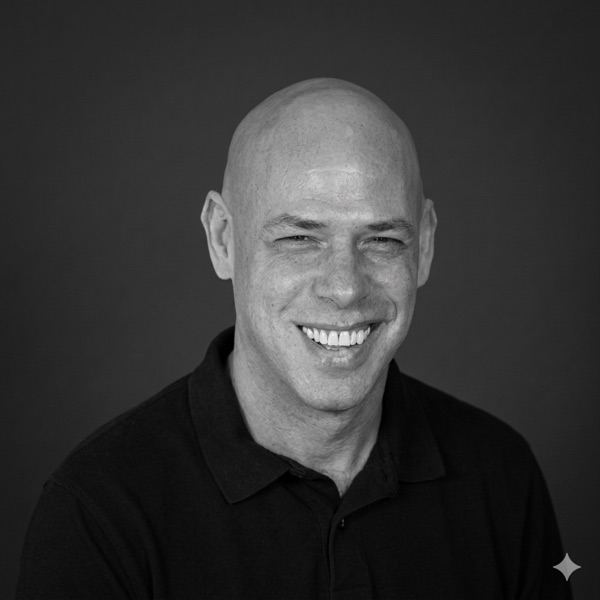
Motion design maestro, Adobe educator, and AI's favorite carbon-based lifeform. With over 20 years of experience taming the beasts of post-production, he's made it his mission to help designers create jaw-dropping visuals, without sacrificing their sanity or sleep schedule. His secret weapon? A knack for explaining the geeky stuff in a way that actually makes sense (and might even make you laugh).
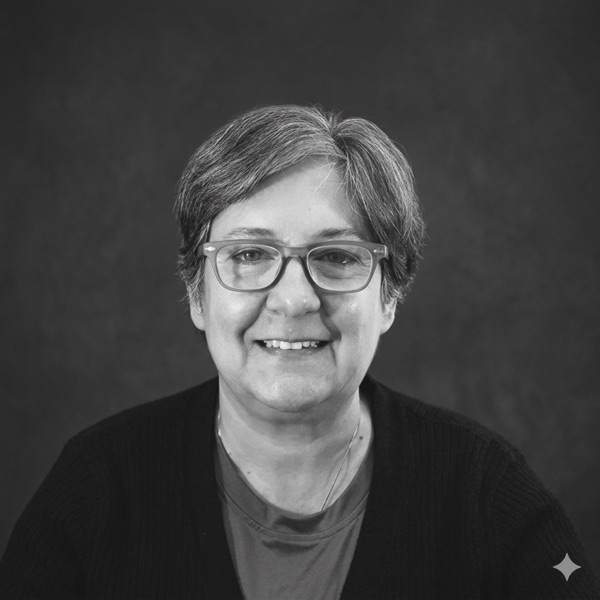
Luisa Winters is a Subject matter expert, instructor, and consultant for Adobe products. She consults for Broadcast, advertising, and government organizations and works at several different training centers all over the United States and abroad. A well-known artist, Luisa often speaks at different conferences on topics ranging from video editing to compositing and web. Luisa has been involved with video production and cinematography for over 30 years.

Producer and media workflow specialist with a strong background in content development, multimedia production, and cross-platform delivery. Rachel has overseen projects across broadcast, corporate, and commercial environments, building streamlined workflows that improve collaboration and creative output. Expertise spans production planning, editorial supervision, and organizational media systems.
- Video Editors
- Post-Production Professionals
- Producers
- Directors
- Content Creators
- Marketing/Communication Teams
- Social Media Managers
- Filmmakers
- Corporate Video Teams
- Educators
- Trainers
- Instructional Designers
- Creative Directors
- Agency Teams
- Small Business Owners
- Entrepreneurs
- Computer Hardware
- A modern computer (laptop or desktop)
- Operating System
- Windows (10 or later) or macOS (Sequoia or later)
- Browser
- Chrome, Edge, or Firefox
- RAM
- 16GB RAM and 8GB VRAM graphics card
- Software
- Adobe Creative Cloud (beneficial but not necessary)
- Internet Connection
- A stable and high-speed internet connection
- Storage Space
- 20GB
- Software Skills
- Basic computer skills, along with some familiarity with editing, design, or compositing workflows. Advanced AI experience is not required.
- Miscellaneous
- Access to specific websites and platforms for downloading tools or resources — participants should be able to bypass potential access restrictions (e.g. firewalls).
Custom Training
Your tools. Your files. Your workflows.
Delivered online, on-site, or in a hybrid format, you'll receive professional development when and how you like.
Schedule a Consultation →